
In a Part I we saw the necessary requirements for getting free unlimited Internet, Now it is a time to generate a payload that will help to get unlimited Internet
On HTTP injector menu (Top bar Left side), click there and you will find many options to select.
Select the first option written "Payload Generator", this part has many options but we will deal with necessary options to reach our goal.
On the payload section you will see radio buttons to select which are Normal, Split and Rotate, don't modify this section.
It follows a field to fill shown by hint "URL/HOST". A free website offered by your Internet service provider will be filled in this part, lets say freebasics.com is accessed freely then you must write this address on that input field.
On the request method section you should select HTTP method that we tested on part I post. Therefore you will select HEAD method. If this does not work try out to use other methods which are listed in the request method option.
On the query method check Front Query (we will explain this other time, keep visiting this blog).
To ensure maximum security of your online activities, on the part Extra Header. Check online Host and Keep Alive. Then click generate payload.
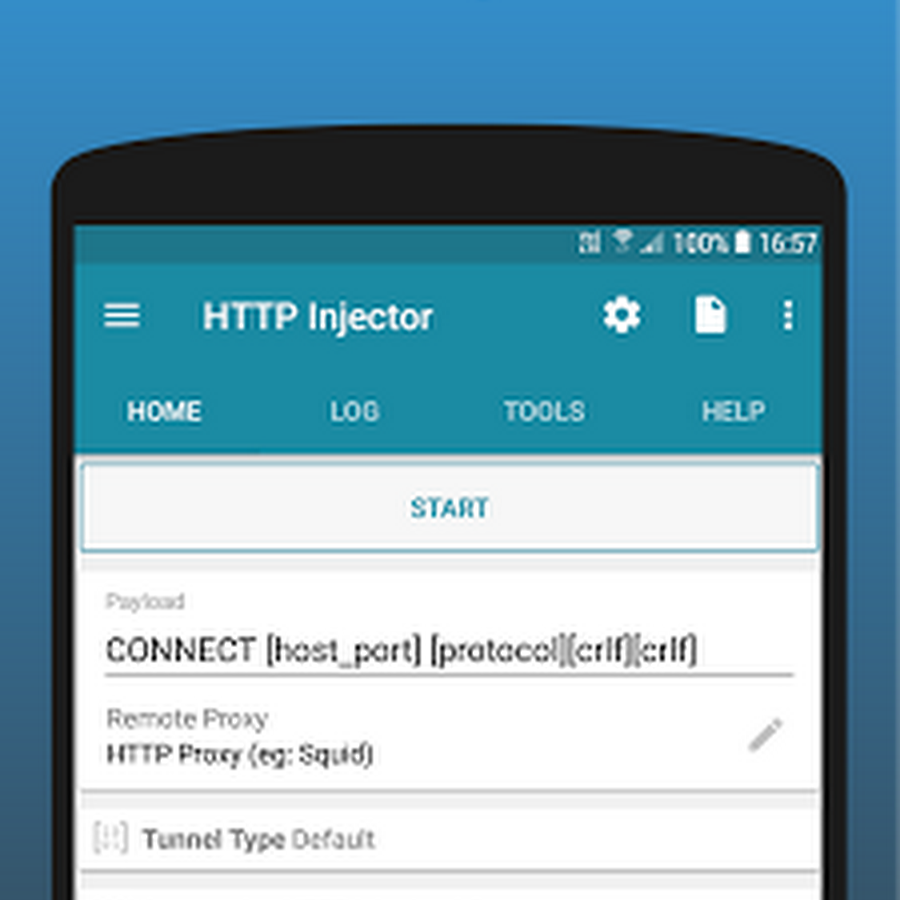
Now the Home section will appear after generating a payload, It shows a generated payload commands and a part to enter proxy address that you obtained. Don't change anything on payload part if you don't know what you are doing.
On the remote Proxy section a dialog will appear when you click it, put IP/Host address of proxy eg 14.767.22.45 and then enter a port of proxy server eg 8080.
And click save, Then you will be back on home section and click start. another dialog will appear for putting SSH account informations.
Put username of your ssh account, password, IP address of ssh server you got and last ssh port always 22,80 or 443 you should select one port only.
Then you can click LOG to see what is going on, if you follow these instruction properly you will be able to access Internet freely. Don't forget to share this post.

0 comments:
Post a Comment